
WhatsApp API Calls - Inbound
Versalence currently provides WhatsApp call feature for incoming calls
To enable WhatsApp Service, you need to subscribe to WhatsApp Calling Service
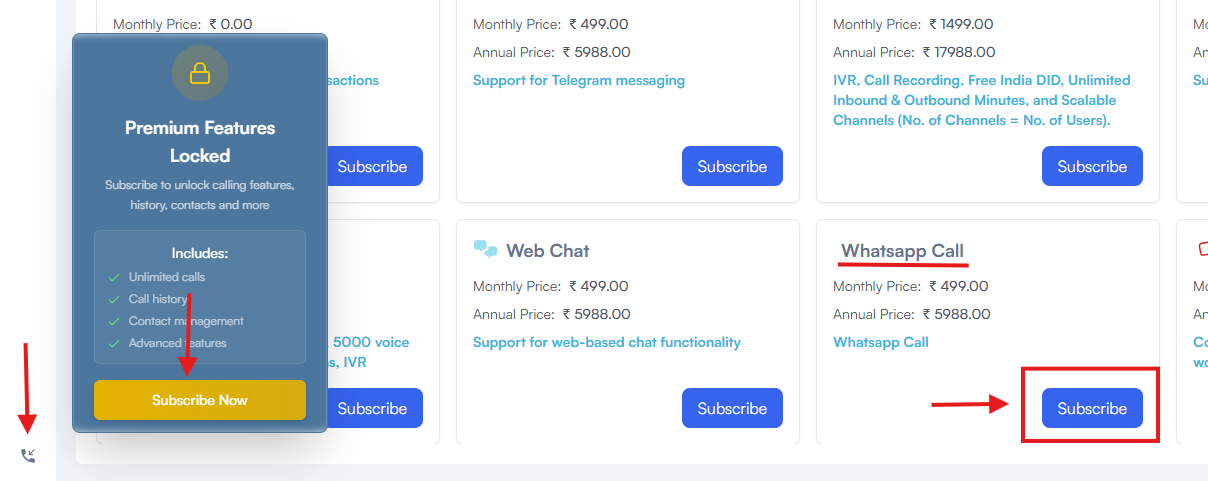
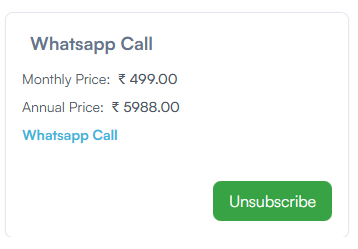
once the payment is completed - your subscription will be active
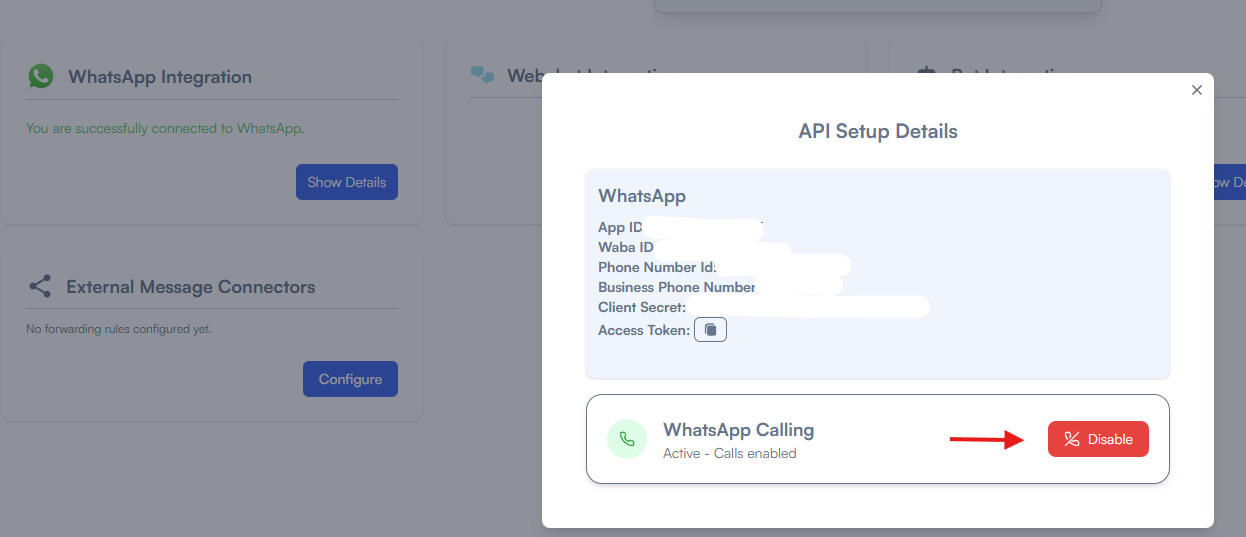
In Integrations -> WhatsApp Integration -> WhatsApp Calling features will be enabled - you can enable or disable this service from here
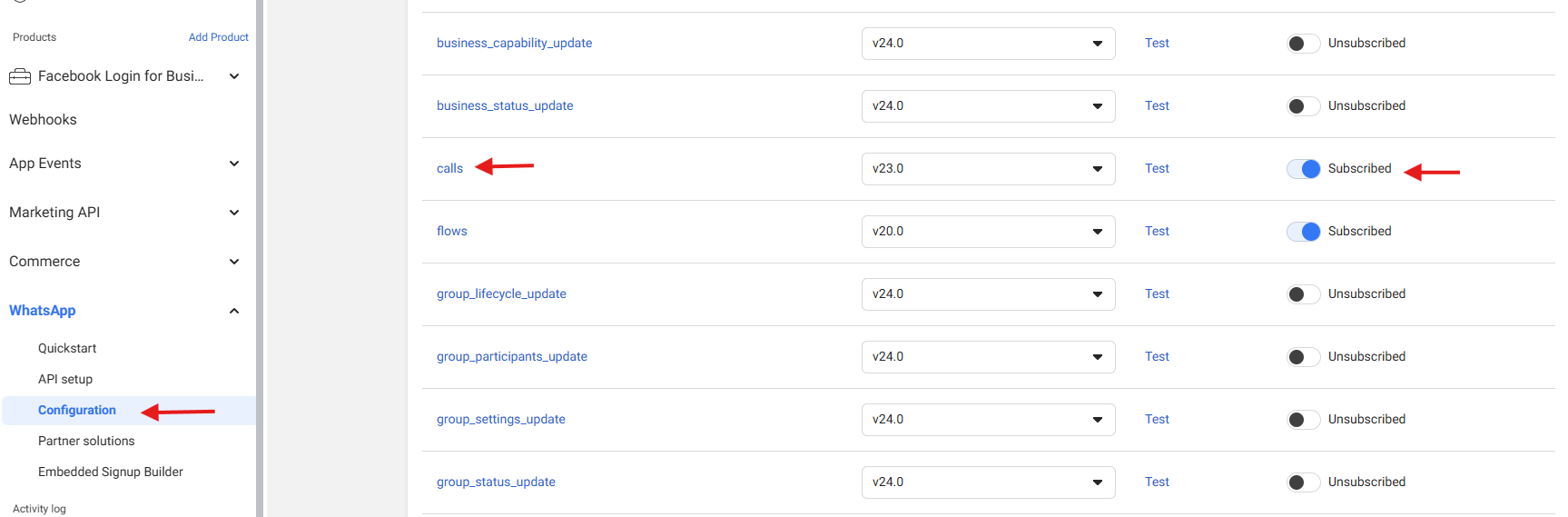
If you have not setup WhatsApp with vCX usign our embedded signup, the process will differ as you have to perform the adddtional step below
you have to goto https://developers.facebook.com/apps/ open the app that is linked with vCX, once inside the page, under WhatsApp Settings select Configuration and enable calls as shown below
No comments to display
No comments to display