Versalence currently provides WhatsApp call feature for incoming calls
To enable WhatsApp Service, you need to subscribe to WhatsApp Calling Service [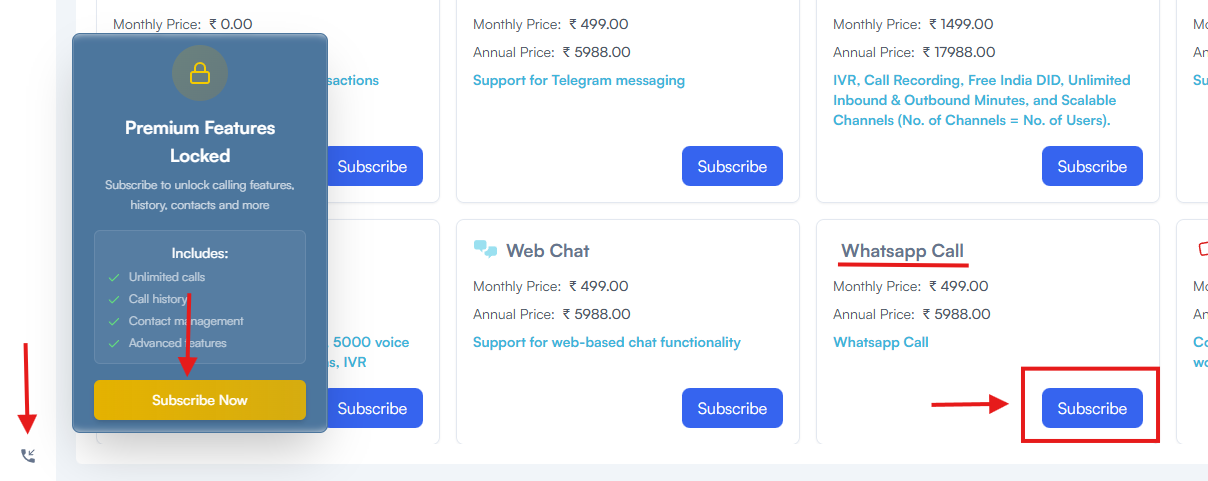](https://docs.versalence.online/uploads/images/gallery/2025-12/BYbk03GnxVB2tOII-image.png) once the payment is completed - your subscription will be active [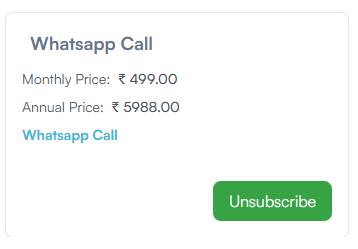](https://docs.versalence.online/uploads/images/gallery/2025-12/eQboXJyGARNWmjIa-image.png) In Integrations -> WhatsApp Integration -> WhatsApp Calling features will be enabled - you can enable or disable this service from here [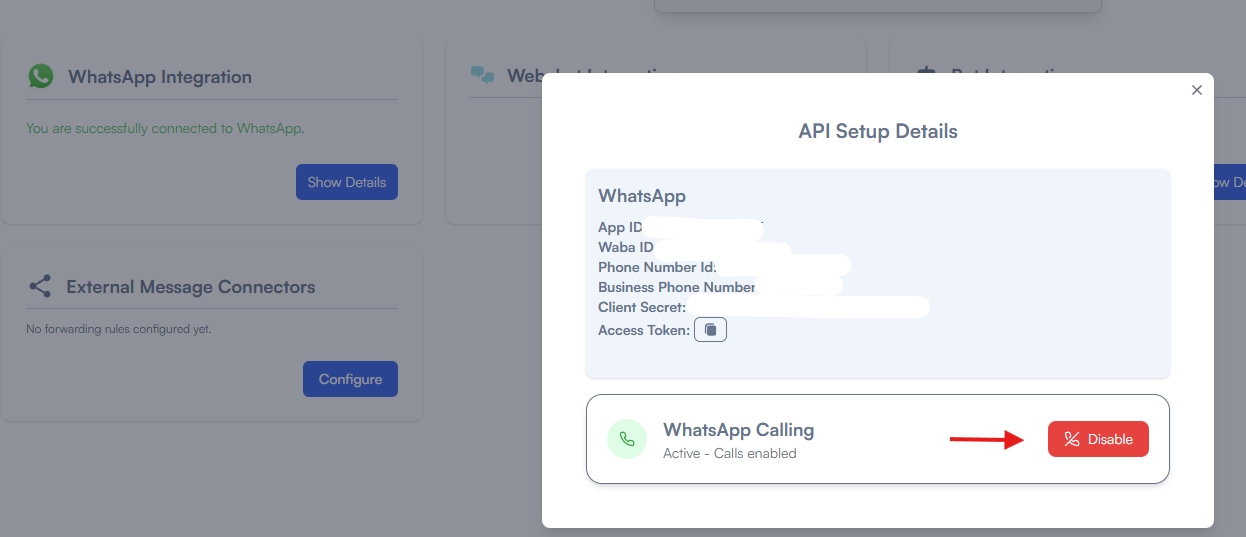](https://docs.versalence.online/uploads/images/gallery/2025-12/kLs7wDpUWgehK3pf-image.png)If you have **not** setup WhatsApp with vCX usign our embedded signup, the process will differ as you have to perform the adddtional step below
you have to goto [https://developers.facebook.com/apps/](https://developers.facebook.com/apps/) open the app that is linked with vCX, once inside the page, under WhatsApp Settings select Configuration and enable calls as shown below [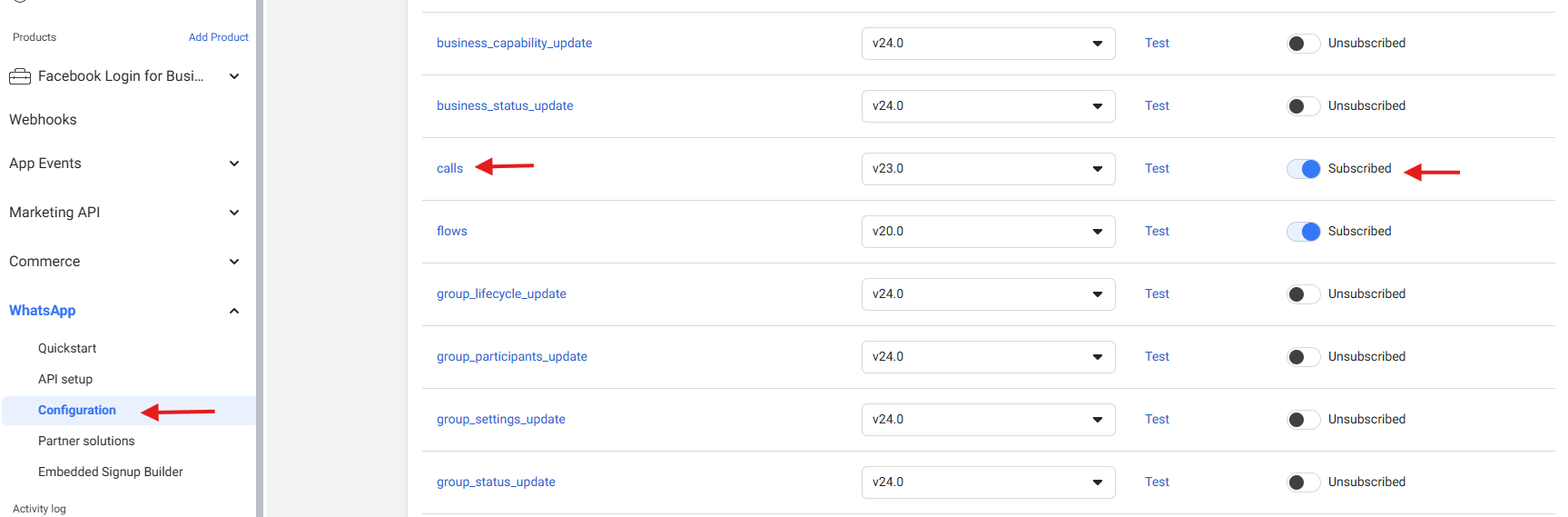](https://docs.versalence.online/uploads/images/gallery/2025-12/MSmbaVZ65F8ILi5T-image.png)