
Customizing your Webchat CSS
To customize your webchat CSS
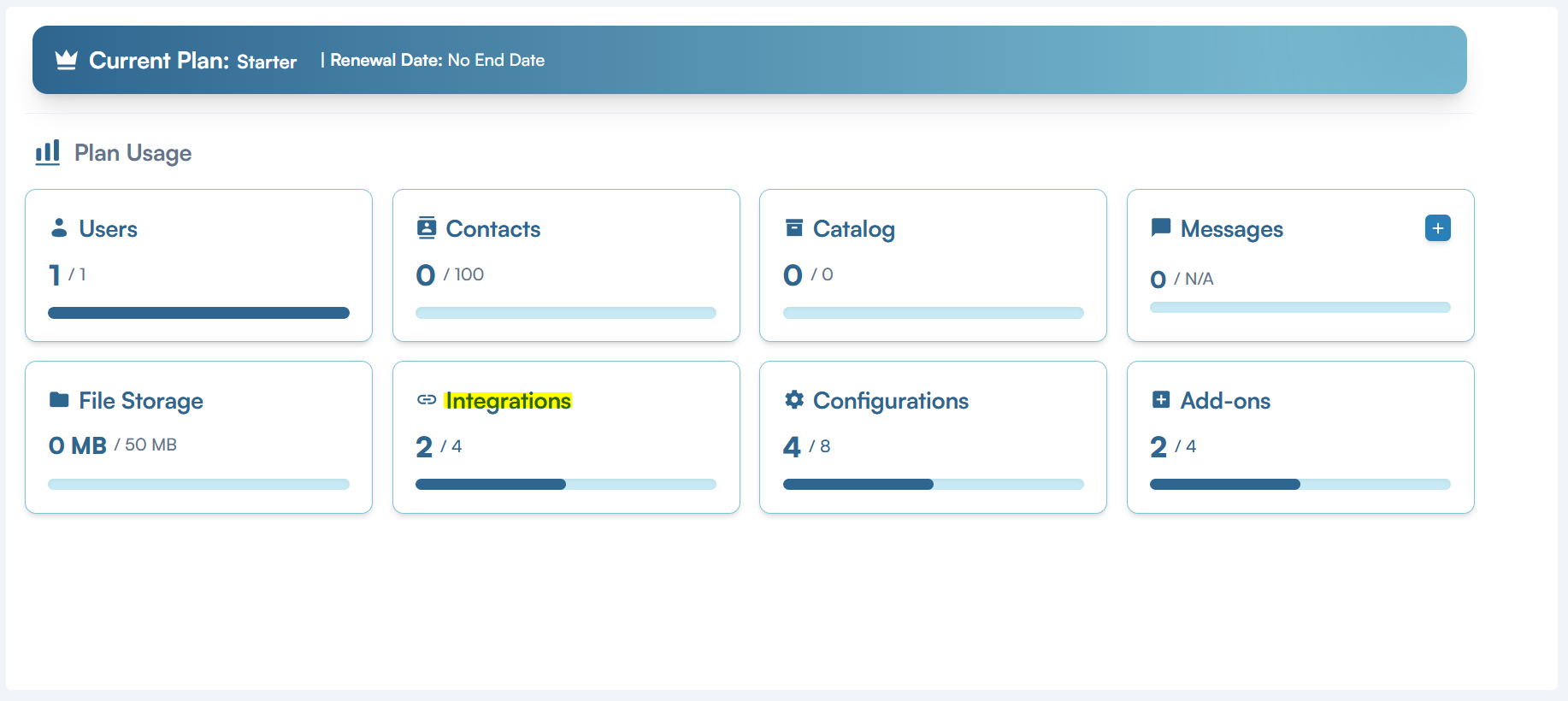
- Go to MyPlan -> Settings
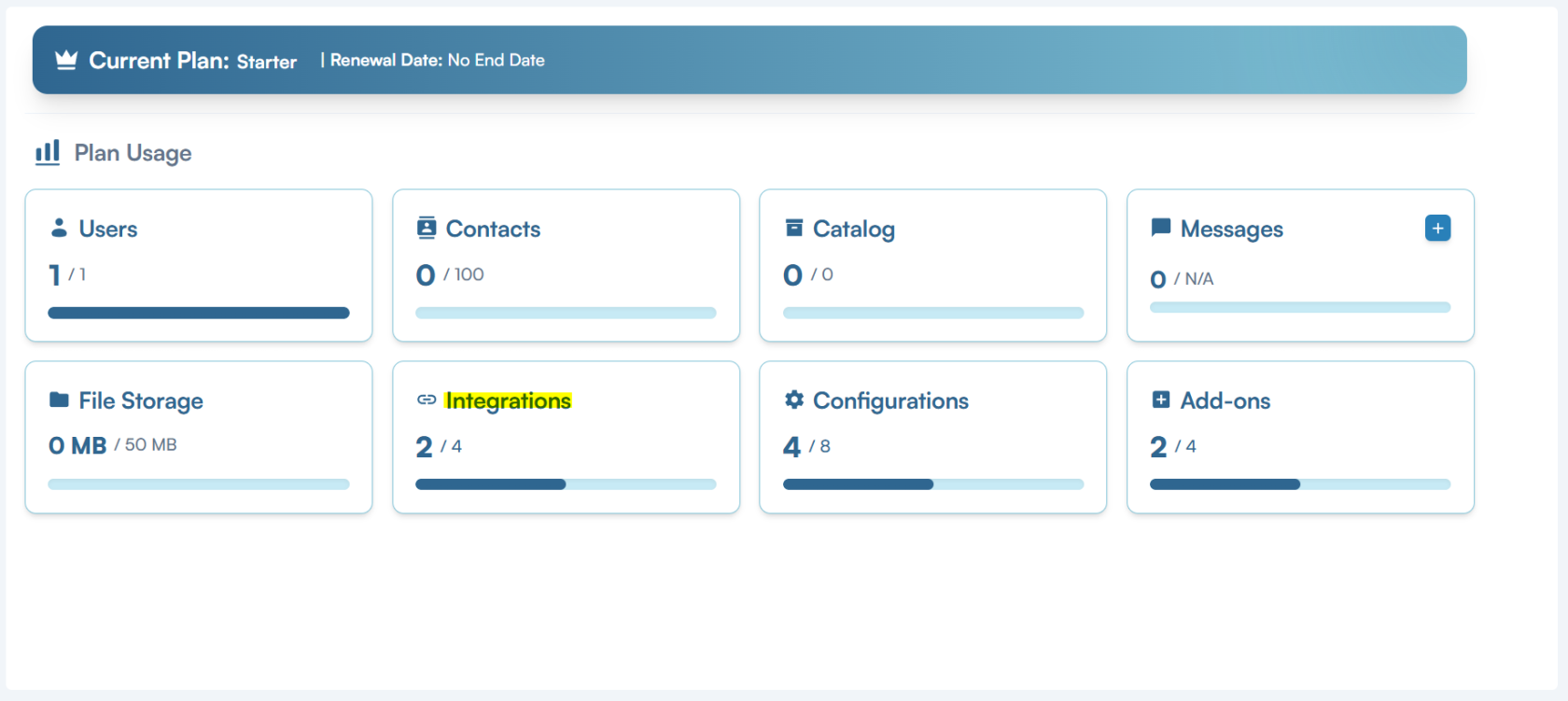
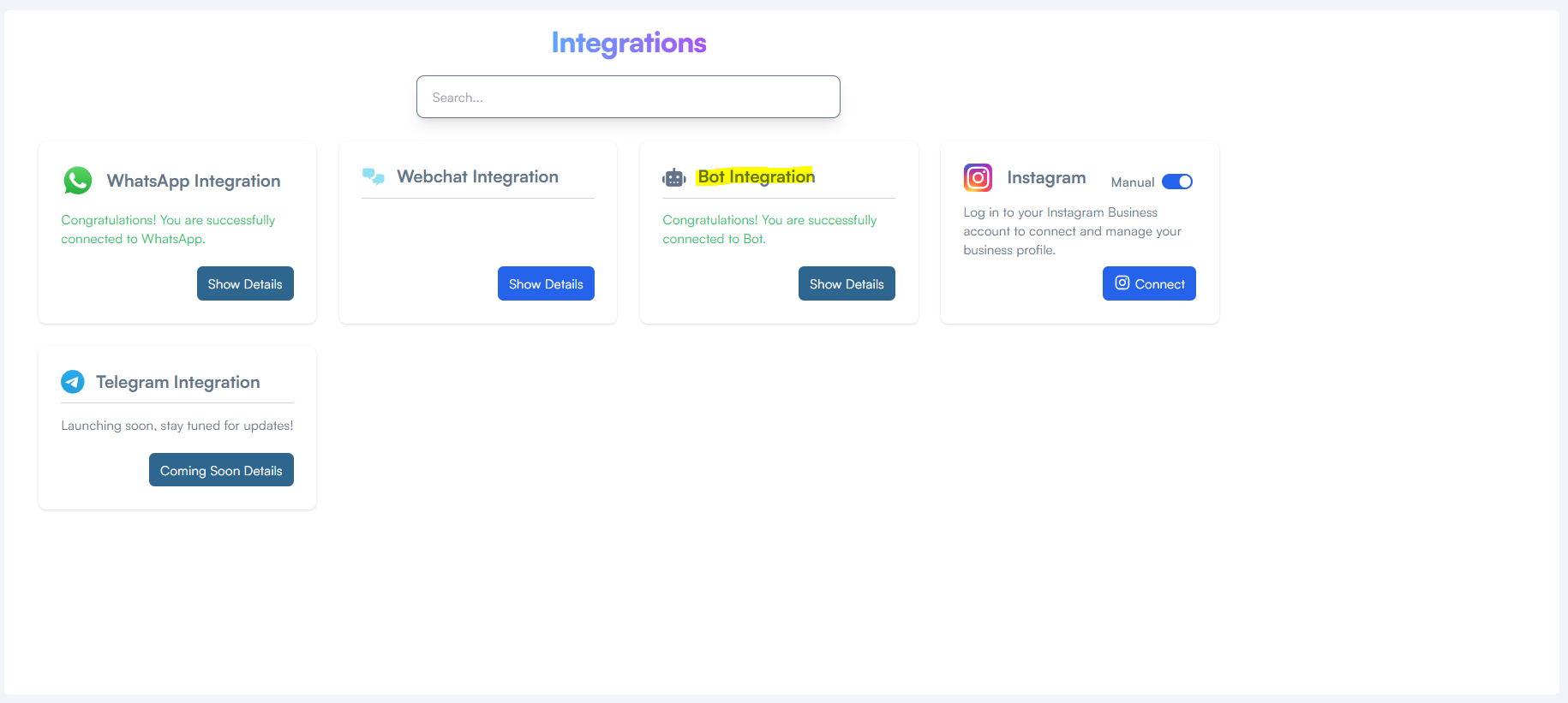
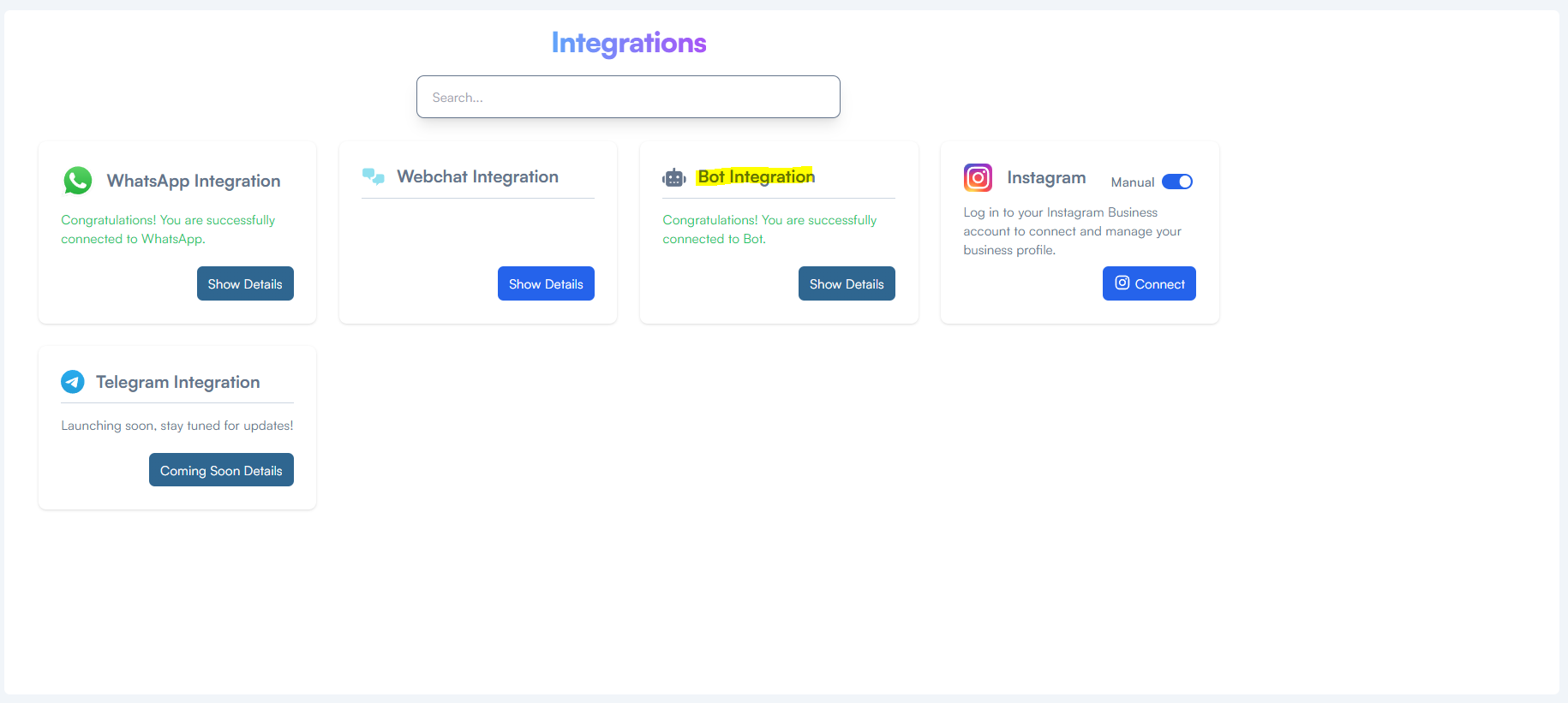
- Select Bot Integrations
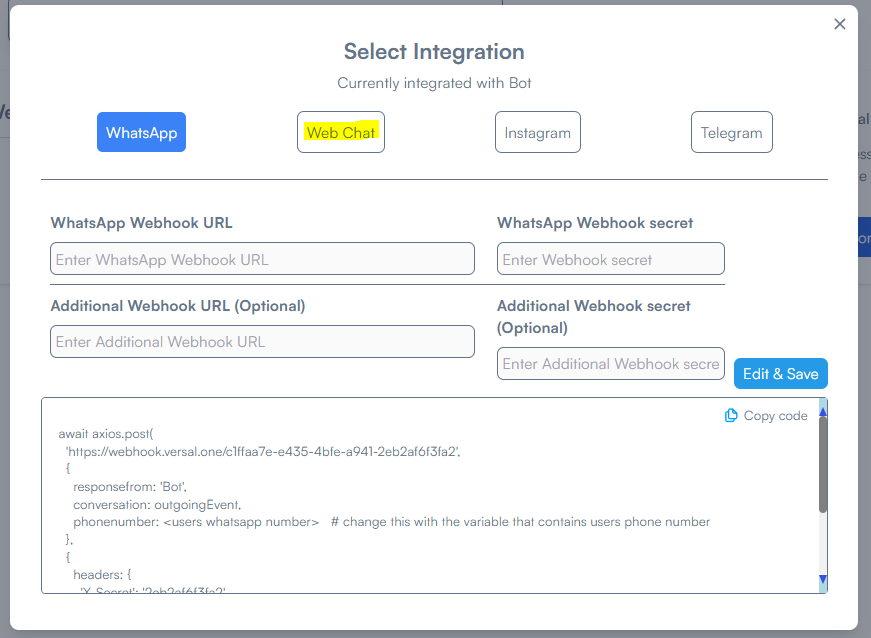
- Select Web Chat
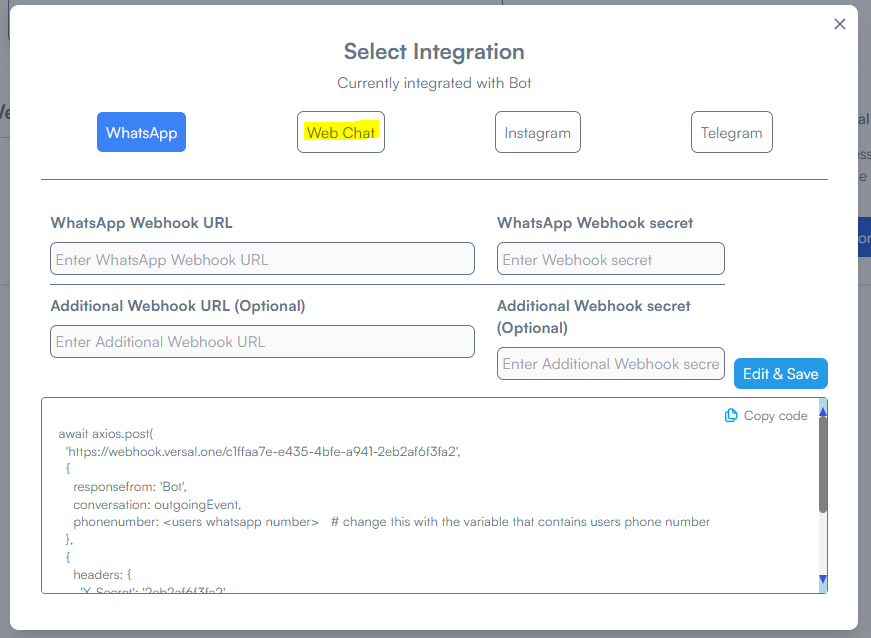
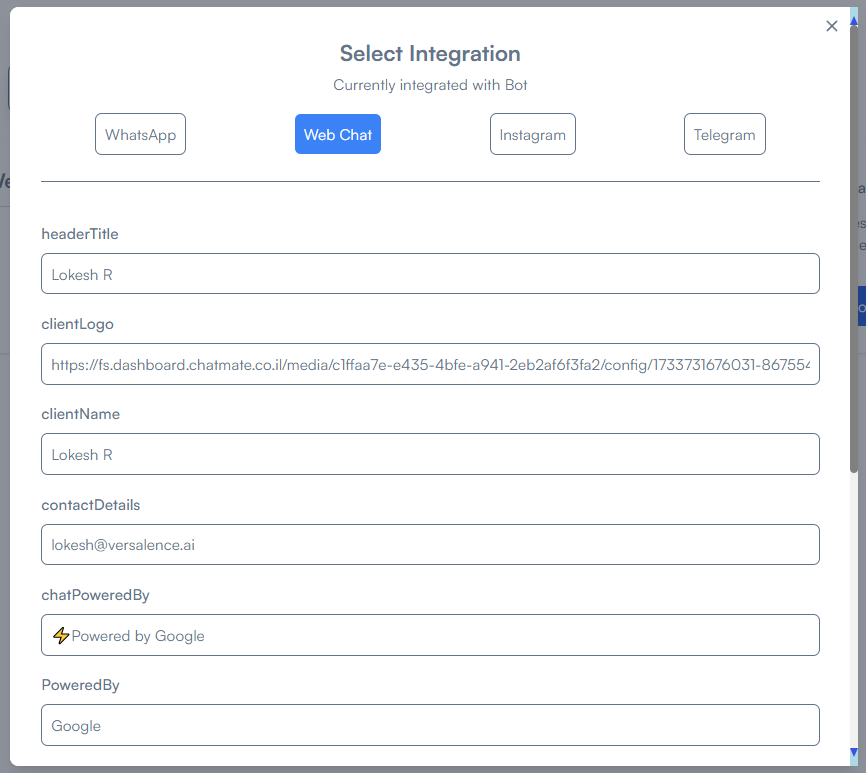
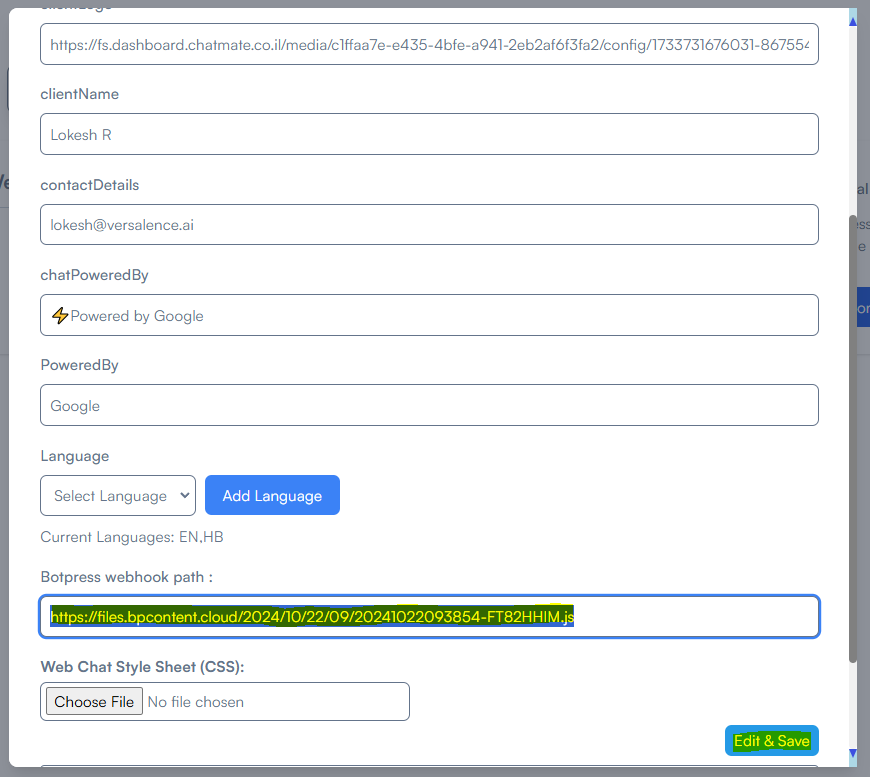
- Enter the values
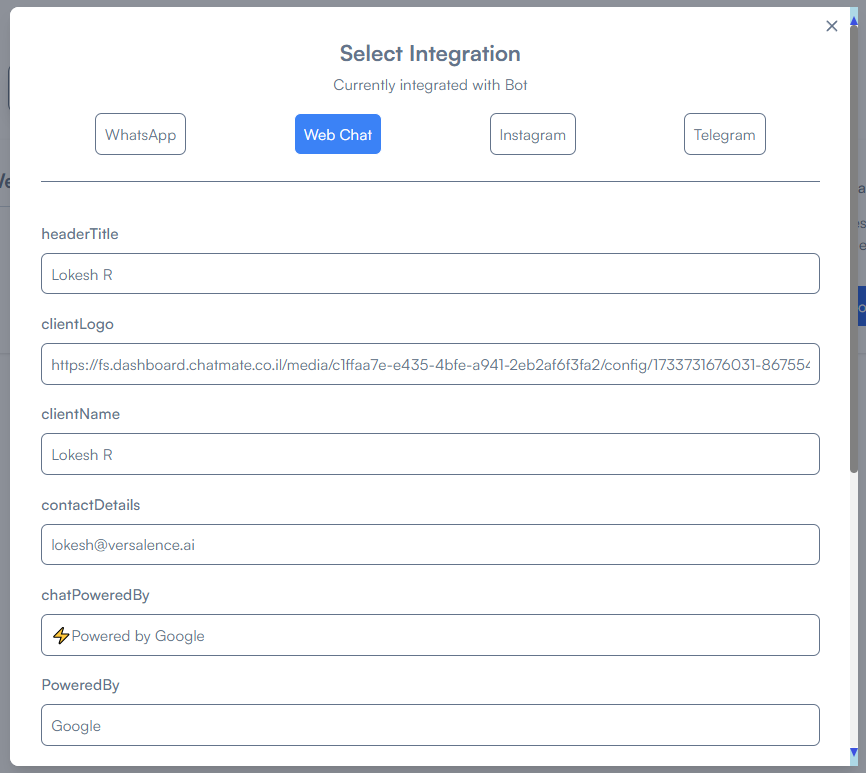
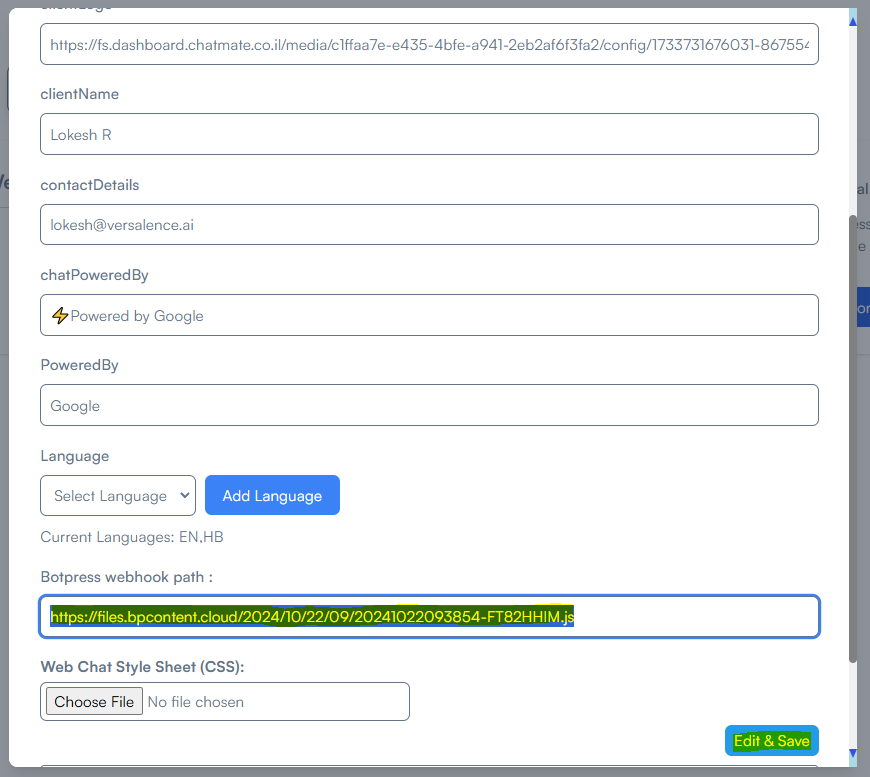
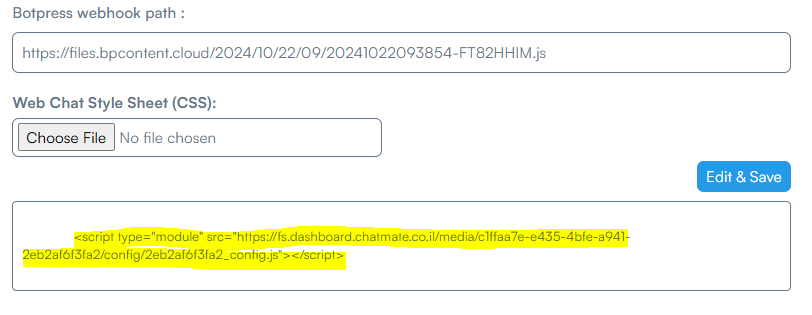
- After entering the botpress js link, click Edit & Save. This generates the Webchat link
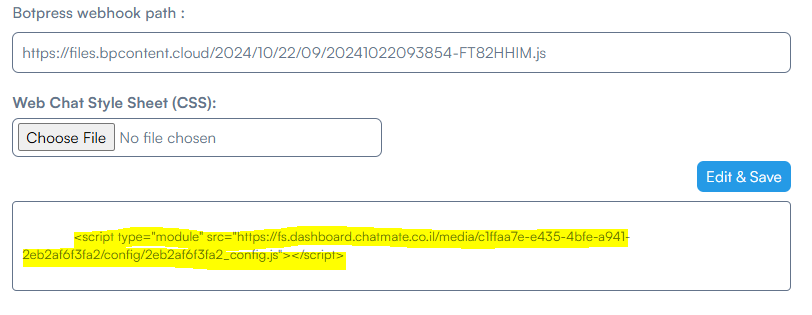
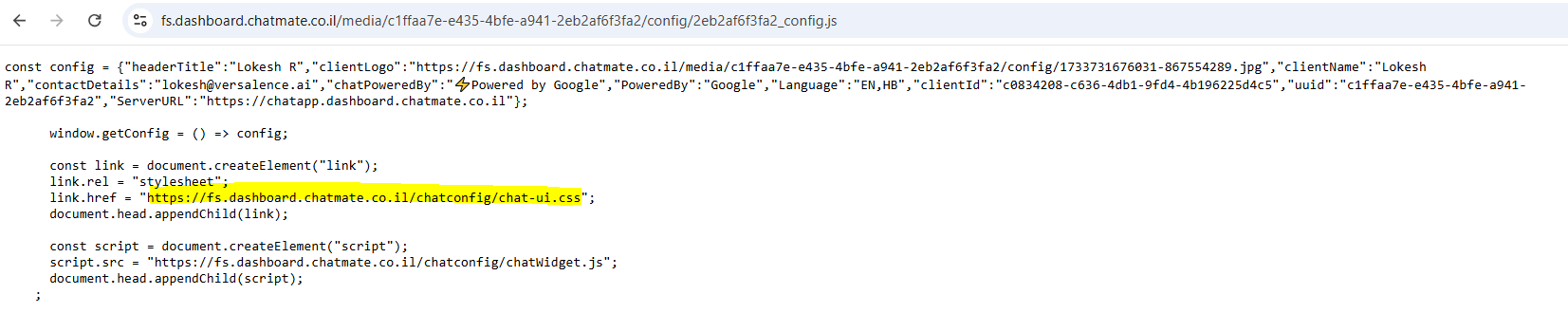
- Open the link in a browser to reveal the details of the .js file
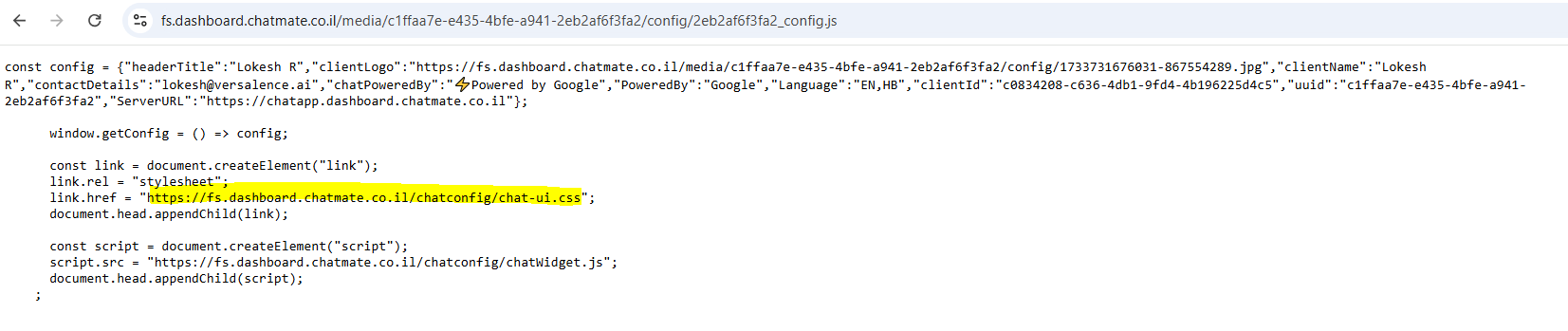
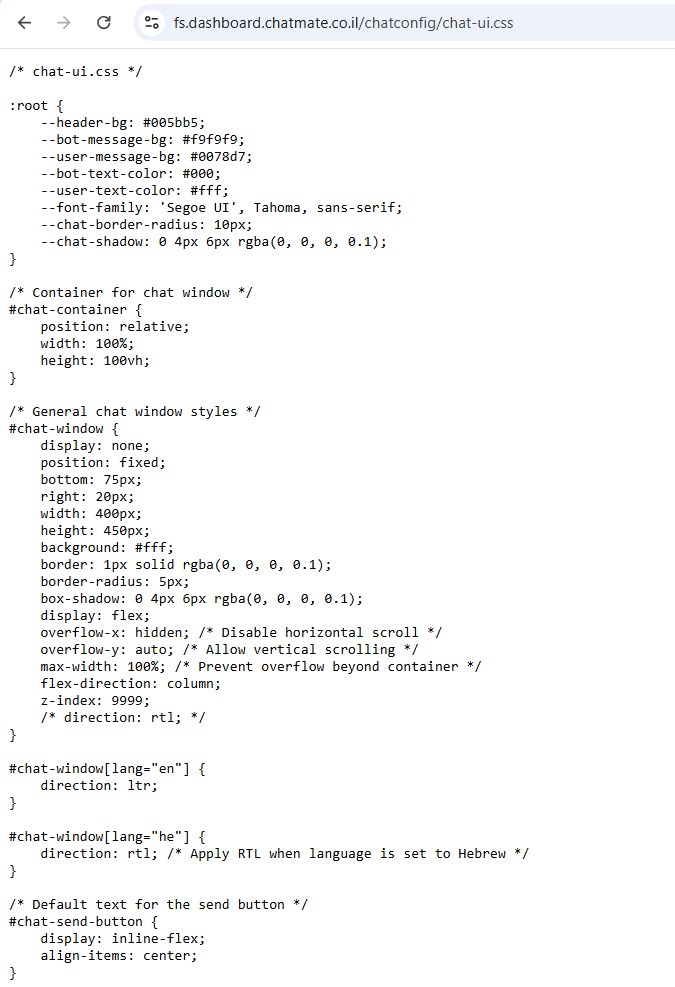
- in the .js file, find the link to the CSS, open the link in a browser
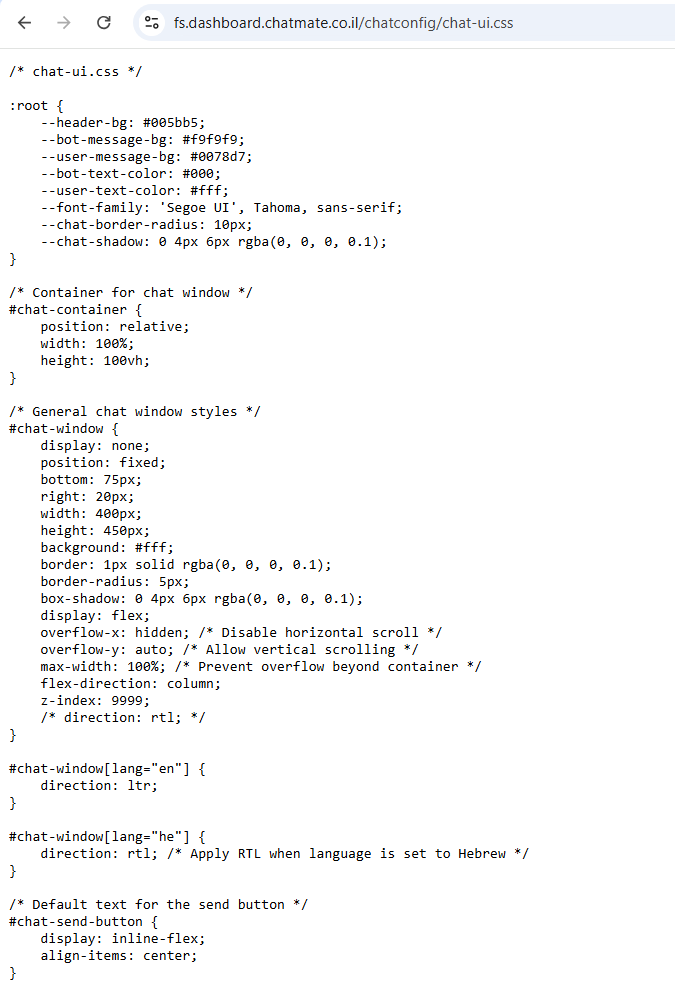
- Download the file or save it to your fav code editor to make required changes to your CSS
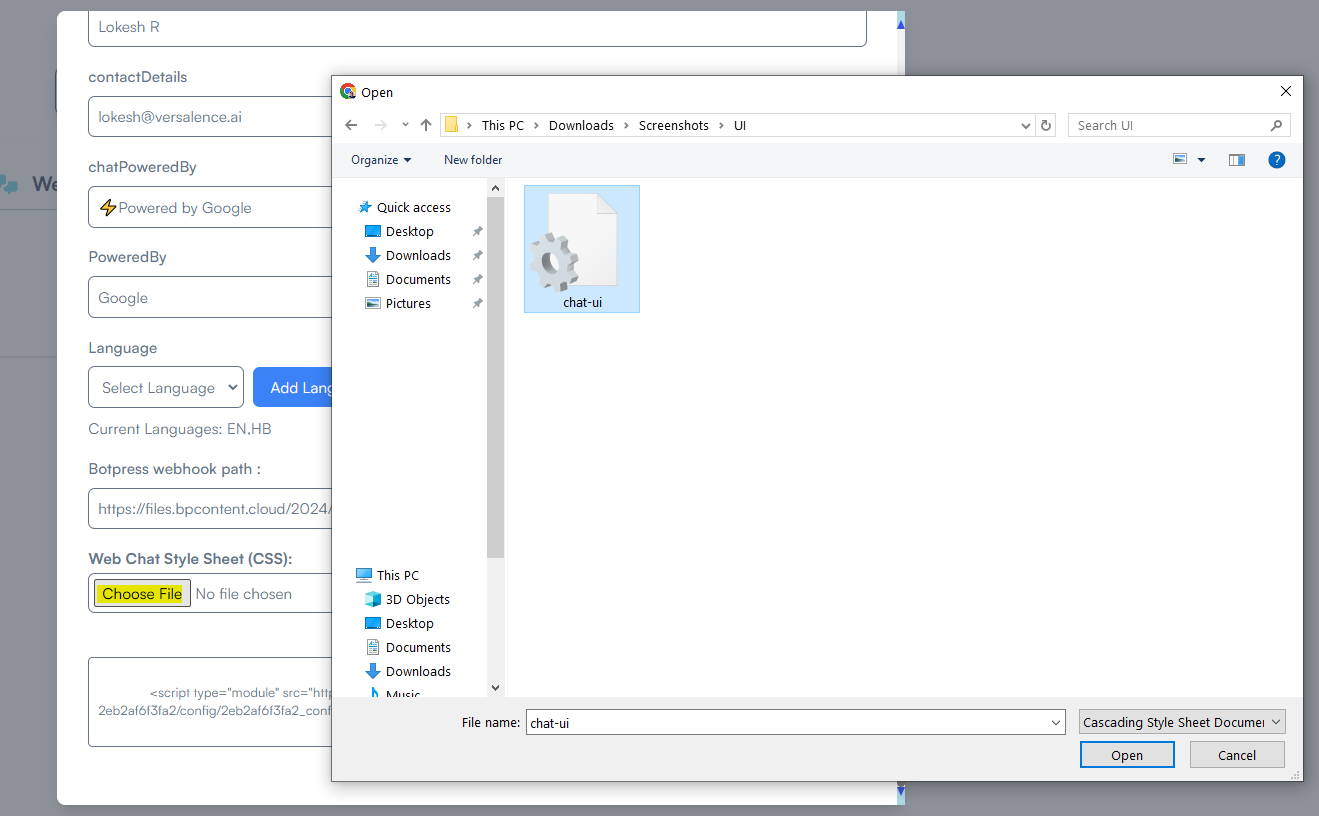
Once the changes are done - upload the file back
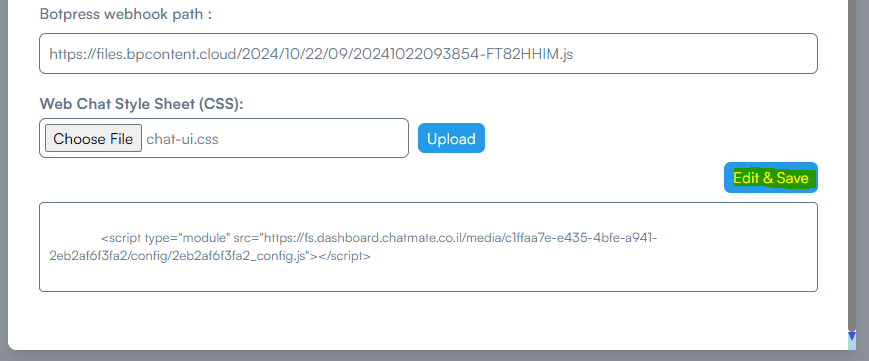
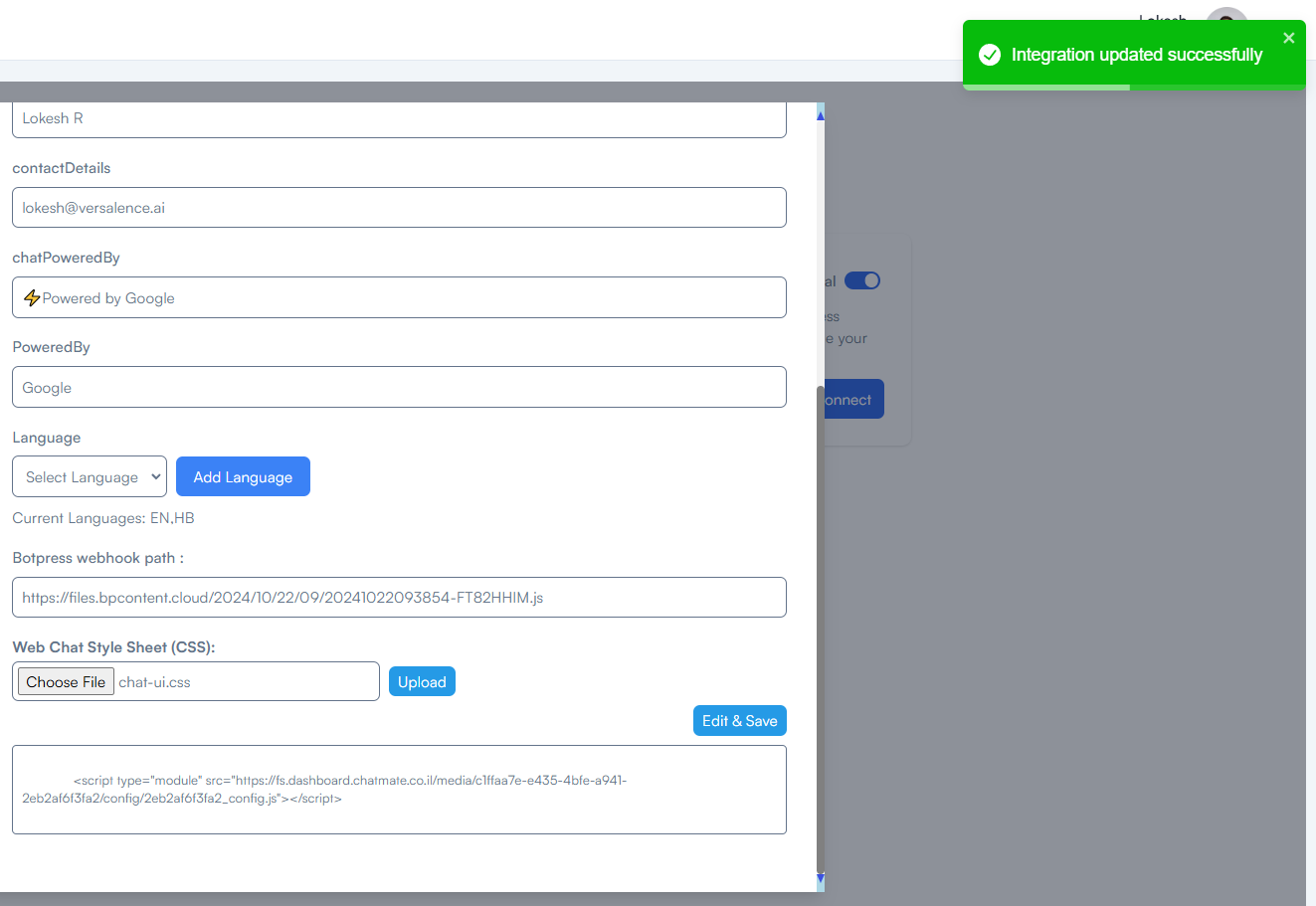
Click Edit&Save to apply your new CSS
No comments to display
No comments to display