This feature is only available for accounts with Agency status and that too on demand
As an agency if you have the requirement to provide chat functionality to your users in your platform, you will need to request for this acess Once you have created a customers account, it will be visible in your Admin Panel [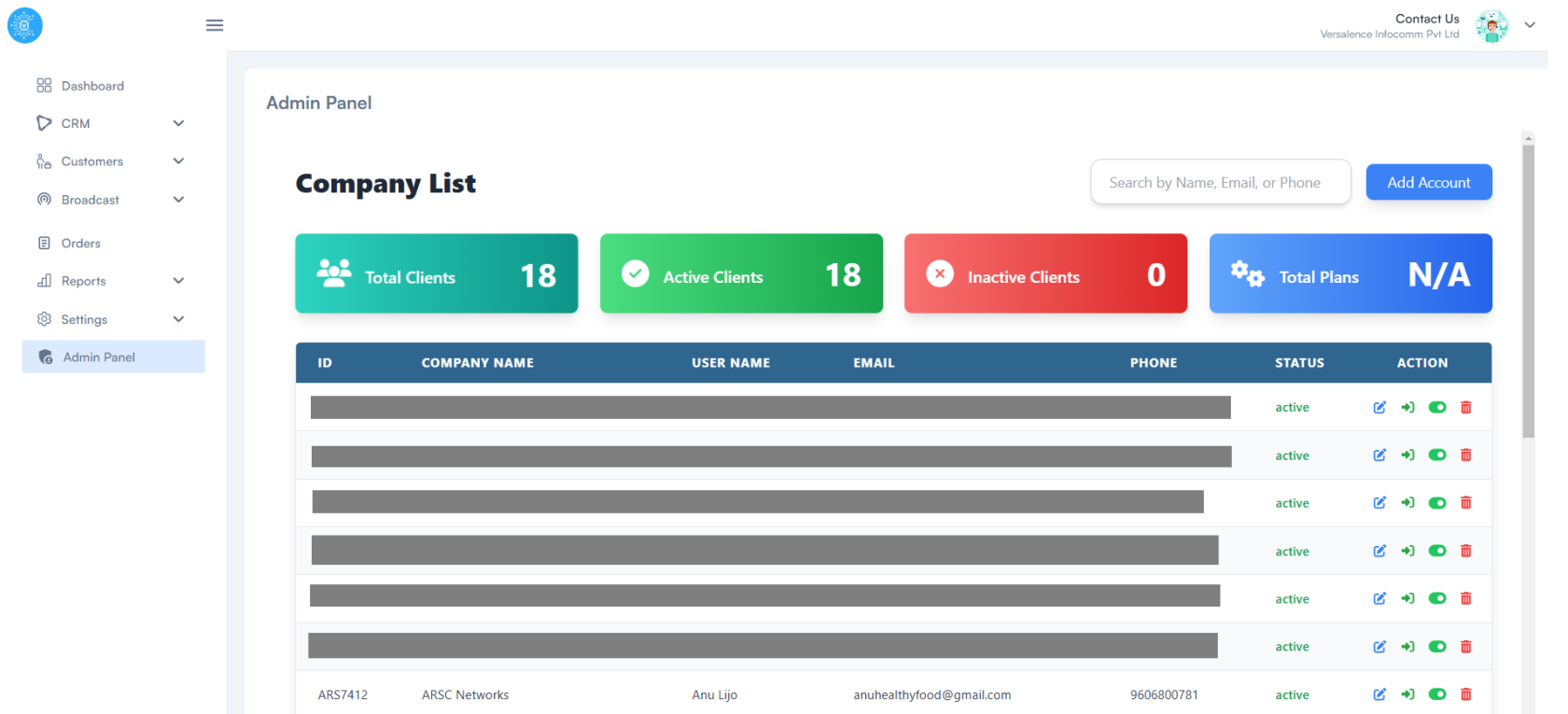](https://docs.versalence.online/uploads/images/gallery/2025-01/AuvSWsiKccnXzAce-image.png) You will two information from here 1. the email address of your clients first admin login, it is avaialble on the Admin Panel under column "Email" 2. Your clients accounts uuid - to attaing this from the Admin Panel, logging into you clients account using ->\] icon under "action". Once you have been successfully logged into your clients account, under Settings - My Company - UUID Once you have both inputs here is how your form the chat inbox plugin URL ``` https://versalence.online/external/chats?uuid=This feature only works for accounts where you are the agency
[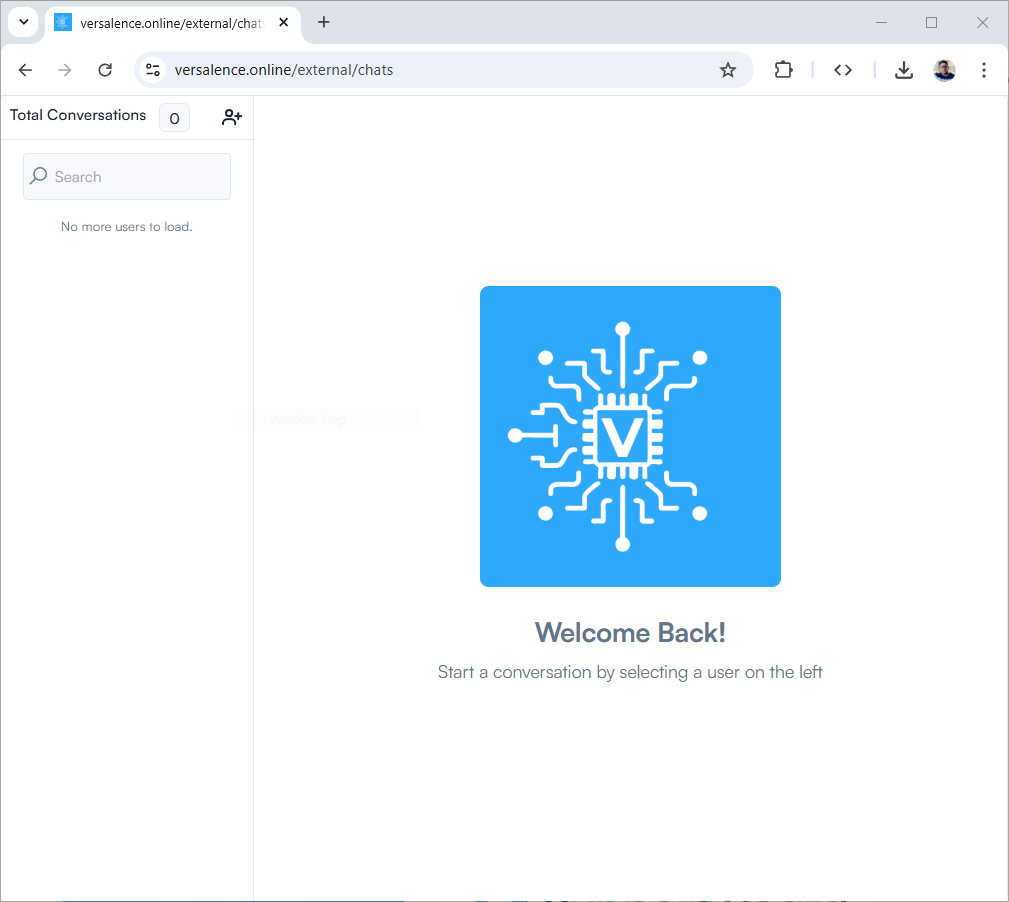](https://docs.versalence.online/uploads/images/gallery/2025-01/Xyk3Ql6qw7obNUo3-image.png)Happy Integration